
Property Management Workflow Automation
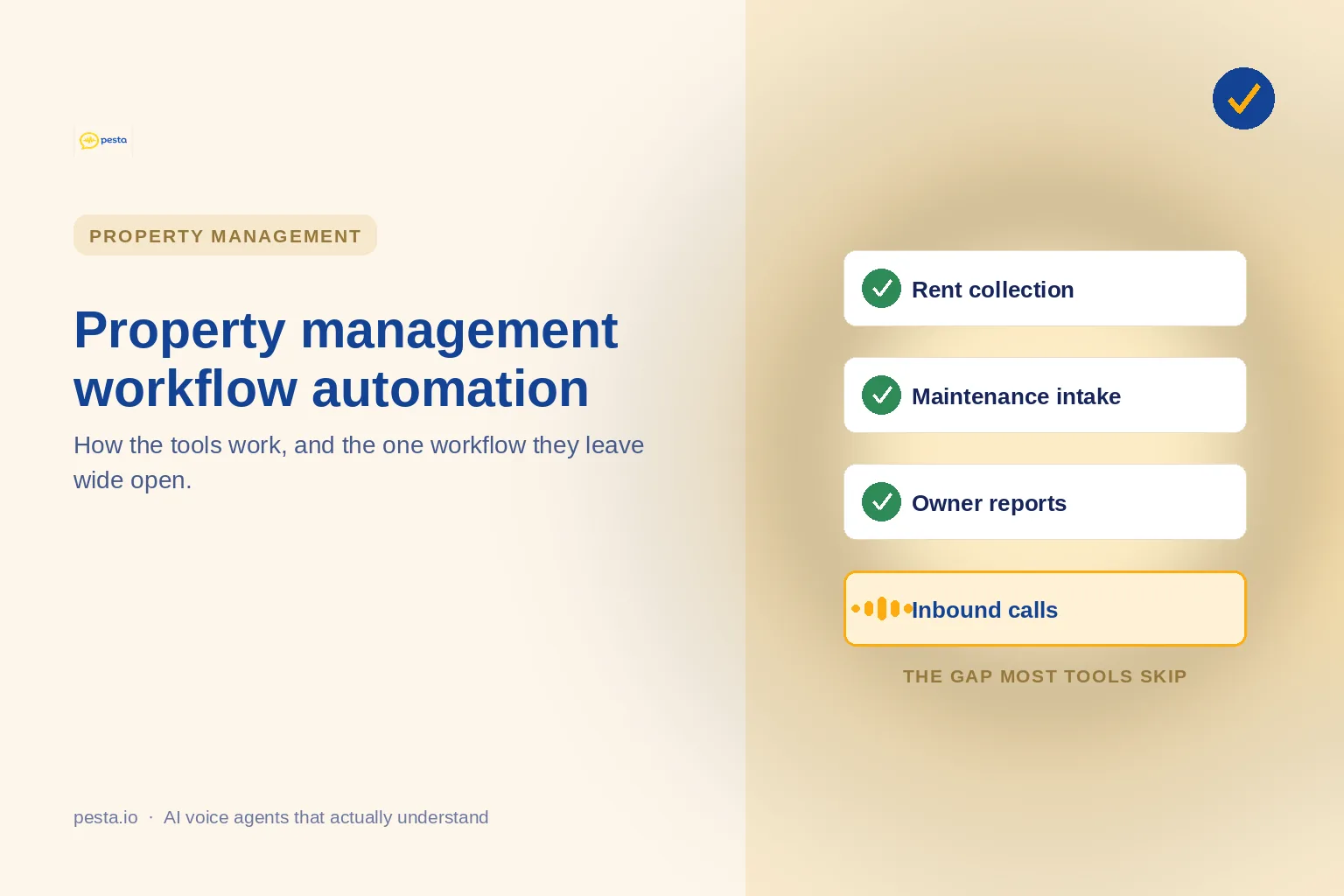
Property management workflow automation runs on a simple loop: a trigger fires, a rule decides, an action happens, your records update. Teams automate rent, maintenance, inspections, leasing, and owner reports first. The workflow almost every tool skips is the inbound call, which is where leases and emergency tickets actually start. An AI voice agent like Pesta automates that front door: it answers every call, qualifies or triages, books, and hands the hard ones to staff, then feeds your CRM through Zapier.
A property management team runs on repetition. Rent reminders, maintenance tickets, inspection notices, owner statements, the same lease questions over and over. Workflow automation exists to take that load off people, and most teams have adopted at least some of it. Yet the phone keeps ringing, and the calls that come in after five, during a move-in rush, or in the middle of a burst pipe are the ones that still get missed. Nearly every property management automation guide tells you how to automate the back office. Almost none of them deal with the front door.
This piece walks through how property management workflow automation actually works, the workflows teams automate first, and the one that gets left out. Pesta sits on that missing piece, the inbound call, so this is also a plain look at what an AI voice agent automates that your rent-and-reporting stack does not.
What property management workflow automation actually is
Strip away the branding and every workflow automation tool does the same four-step thing. Something happens (a trigger), the tool checks a rule, it carries out an action, and it writes the result back to wherever your records live. A rent payment clears, so a receipt sends and the ledger updates. An application comes in, so a background check kicks off. The art is in chaining these steps so a task that used to need a person now runs on its own, with a human stepping in only on the exceptions.
The property management workflows teams automate first
Walk into any property management company that has started automating, and you will find the same short list. These are the workflows with clear triggers and repetitive steps, which makes them the easiest wins. Here is what usually gets handled, and the manual pain each one removes.
If your stack covers most of this, you have done the hard part of the back office. You can go deeper on any one row, and our walkthrough on automating maintenance requests breaks the triage flow down step by step. But notice what every row has in common: the trigger is a form, a date, or a payment. None of them is a human picking up the phone.
The workflow every automation guide skips: inbound calls
Read six property management automation guides and you will see rent, maintenance, inspections, and reporting in all of them. You will rarely see the phone. When calls do come up, they are framed as busywork to delete, something to push into a portal or a text thread so nobody has to answer. The trouble is that people still call, and they call for the things that matter most: a prospect ready to tour, a resident with a leak at midnight, an owner who wants an answer now.
The phone is the front door of the business, and it is the one entrance most automation leaves unstaffed. A missed email waits in an inbox. A missed call, more often than not, calls the next company on the list.
The inbound-call workflow, automated
Every call is answered, handled where it can be, and handed to a person with a summary when it cannot.
How Pesta automates the property management call workflow
AI voice agents like Pesta treat the call itself as an automatable workflow. The agent answers every inbound call, works out why the person is calling, qualifies the lead or triages the issue, books the tour or the vendor, and passes anything it should not handle to your team with the context already written up. It carries routine, lower-priority, and after-hours calls alongside your staff rather than replacing them. A few things make that workable in practice.
Where an AI voice agent fits in your automation stack
A call layer is not a replacement for the tools you already run. It is the part that was missing in front of them. Pesta connects through your CRM and Zapier, including Salesforce, HubSpot, Zoho, monday.com, and Calendly, so a booked tour or a logged issue flows straight into the systems your team lives in. There is no rip-and-replace and no developer needed to get started.
What automating inbound calls is worth: run your own numbers
The cost of an unanswered call is easy to feel and hard to see, because the lost lease never shows up as a line item. A quick way to size it is to multiply the calls you miss by what an answered call is worth to you. The formula is simple:
Plug in your own call volume and see where it lands. Even a conservative set of inputs tends to surprise people, which is the point: the front door is leaking revenue that the rest of your automation never touches. Use the calculator below to run it against your portfolio.
If the number is bigger than you expected, that is the gap between automating records and automating the conversation that creates them. Our breakdown of a property management answering service goes deeper on the call-coverage side of the problem.
Choosing property management automation tools that cover the front door
When you compare property management automation tools, it is easy to score them on feature lists and miss the workflow losing you the most money. A short checklist keeps the evaluation honest.
- Start from the workflow that costs you the most, not the longest feature list.
- Ask whether it actually answers inbound calls, or only files them after the fact.
- Check how it connects to your CRM and the rest of your stack before weighing AI features.
- Confirm a human can take over the hard calls, with the context already handed off.
- Make sure after-hours and Spanish-speaking callers are covered, not just weekday English ones.
FAQ
[Q]Is workflow automation the same as a property management system?[/Q]
[A]
No. A property management system like AppFolio, Buildium, or Yardi is your system of record for leases, ledgers, and residents. Workflow automation is the layer that moves work between systems and triggers actions. A call-handling layer like Pesta sits in front of both, answering the phone and feeding what it captures into the tools you already run.
[/A]
[Q]Does Pesta integrate with Buildium, AppFolio, or Yardi?[/Q]
[A]
Not natively. Pesta connects through your CRM and Zapier, including Salesforce, HubSpot, Zoho, monday.com, and Calendly, so booked tours and logged issues reach your stack without a direct property management system integration. That keeps setup simple and avoids a rip-and-replace.
[/A]
[Q]How long does it take to set up call automation?[/Q]
[A]
Pesta connects through existing CRM and Zapier links with no developer, so you can be live quickly instead of running a months-long rollout. Most of the effort goes into loading your knowledge base, the rules, hours, and policies, so the agent answers the way your team would.
[/A]
[Q]Will residents and prospects accept an AI answering the phone?[/Q]
[A]
They get a real answer instead of voicemail, which is usually the bigger concern. The agent handles routine and after-hours calls, speaks English and Spanish, and hands anything sensitive or complex to a person, so callers reach help faster and still get a human when it counts.
[/A]
[Q]What size property management company is this built for?[/Q]
[A]
Pesta is built for mid-market and enterprise operators, the teams with enough call volume that missed calls add up. Smaller portfolios can benefit too, but the return is clearest where the phone rings often and staff are stretched thin.
[/A]
[Q]How do I measure the return on automating inbound calls?[/Q]
[A]
Start with the calls you currently miss, multiply by what an answered call is worth, and weigh that against the cost of coverage. The calculator in this guide gives a monthly figure, and call analysis then shows how many captured calls became tours, leases, or resolved issues.
[/A]